Why Your Business Is Invisible Online Even After Launching a Website
When you search for your company name, your website shows up, but customers searching for the services you provide end up finding other businesses instead.That difference matters: if someone already knows your name,...
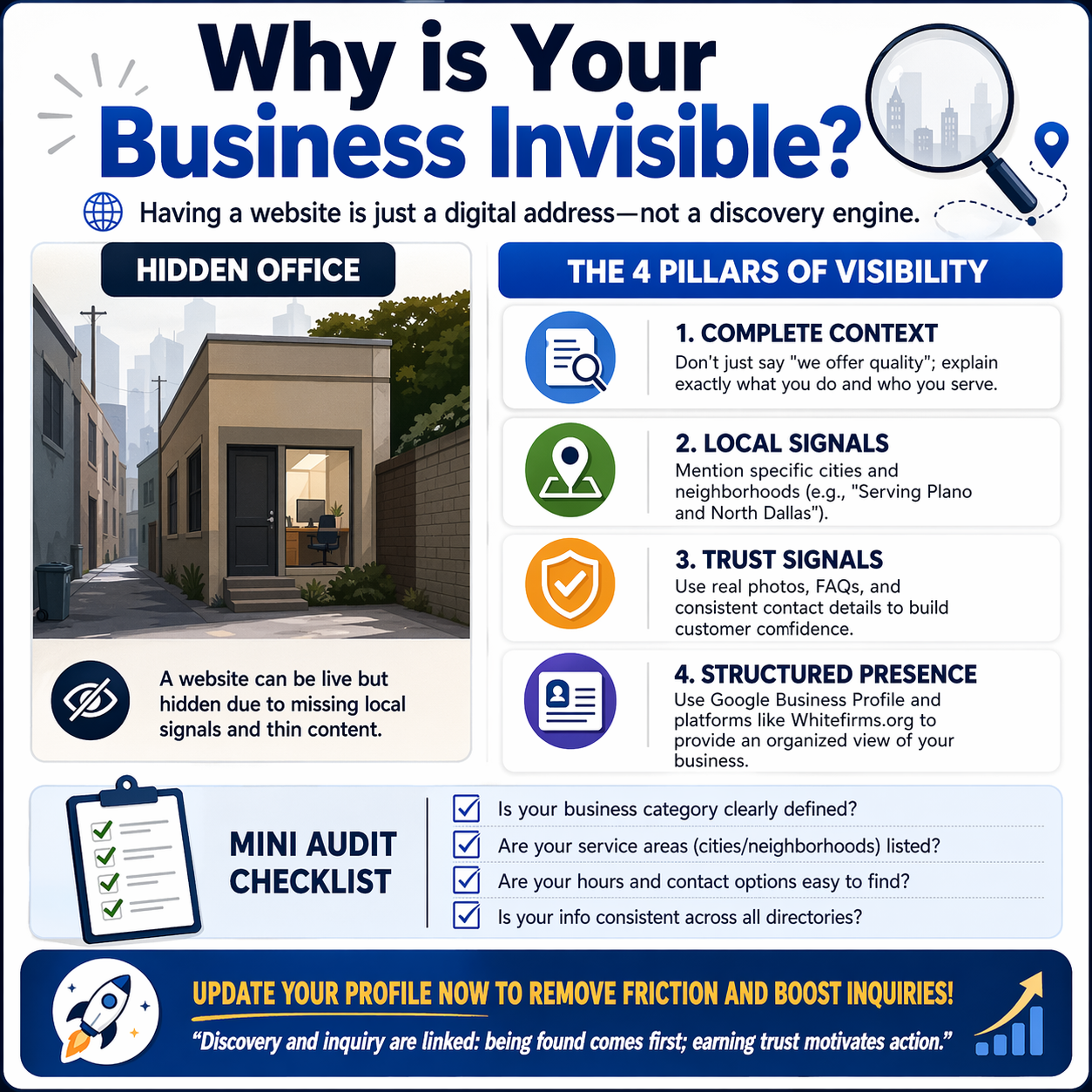





When you search for your company name, your website shows up, but customers searching for the services you provide end up finding other businesses instead.
That difference matters: if someone already knows your name, they can look you up, but if they need your services, they first have to find out you exist.
Launching a website doesn't mean it will be linked to those two situations; your pages might not appear in Google's index, might show up in response to inappropriate searches, or might provide visitors with too little information to prompt questions. Sometimes a website draws in potential customers, but if the contact form is broken, their messages won't reach you.
Before spending money on yet another redesign or having more articles written, you need to determine where the problem originates. The right solution depends on whether customers can't find you, evaluate your offer, or contact you.
Discover the areas where you are losing potential customers.
A silent inbox signals something is wrong, even if it doesn't say what.
Start with the Performance report in Google Search Console, which shows impressions, clicks, search queries, and the pages that appear in results. An impression counts each time your site appears in search results, while a click occurs when someone selects your website. Instead of relying just on the overall site statistics, check each of your main service pages individually. Google Search Console Help
Use those findings to separate three situations:
* Your pages do not often show up: you should check the indexing, look at the subjects your pages cover, and see whether those subjects match the searches that customers make.
* Your pages show up yet receive only a small number of clicks; check the queries, the search positions, and the way the pages are presented.
* People go there but seldom ask questions; they look over the offer, check the buying information, and assess the visitor suitability.
Search Console won't tell you whether a visitor became a customer; you should compare its results with website analytics and actual inquiries.
For example, a machinery supplier could attract people looking to learn how industrial equipment works; although these visits may be genuine, they don't always mean users are seeking a quote. If you publish more introductory articles, traffic may increase without a corresponding rise in sales inquiries.
Make sure that Google can access your important web pages.
A website can function normally in your browser and still have issues that prevent it from appearing in search results.
Check your homepage and your priority service or product pages using the URL Inspection tool in Search Console. The report will tell you about discovery, crawling, and indexing. If Google has chosen a different URL as the main one, ask your developer if that decision is suitable. A page being indexed makes it eligible to appear in search results; it does not ensure it will appear for a particular search. Search Console Help
Ask your developer to investigate:
* Indexing restrictions from development were left in place by mistake.
* Important pages that show errors or ask you to log in.
* Pages which are the main services and which customers are unable to access via normal navigation.
* Links that were once active but have now stopped working as a result of the redesign.
A sitemap helps search engines find page addresses, but submitting one alone does not ensure all pages are crawled or indexed. You also need to link to important pages from appropriate sections of your website. If page addresses have changed as a result of a rebuild, make sure the old URLs redirect to the relevant new ones. If you redirect each old service page to the homepage, visitors won't get the information they expected. Google advises mapping the old addresses to appropriate new ones and using permanent redirects whenever possible. developers.google.com
Before making heavy investments in new content, sort out these access problems.
Provide a clear explanation of each main service.
A homepage usually involves a lot of work because it must introduce the company, list its services, include testimonials, and still try to get each type of customer to contact them.
The outcome may be a general summary which fails to address most of the questions buyers have.
Suppose a cleaning company provides office cleaning and post-construction cleaning. The office manager might require evening visits, secure access arrangements, and a regular schedule. The building contractor, on the other hand, might need debris removal, specialist equipment, and completion before handing over the property.
If the company actually offers both, then these services should have separate explanations.
For each priority service, describe:
* For whom the service is suitable.
* The scope of the work, that is to say what it comprises and what it does not comprise.
* The place and the method of its delivery.
* The factors that influence availability or price.
* The information that you should have before agreeing to a booking or preparing a quotation.
Create separate pages if the differences are significant. Ten pages with nearly identical wording don't provide customers with much extra help.
Start with the services that matter most from a commercial point of view; typically, it makes more sense to create a full page for a well-established, profitable service than to produce many loosely connected articles.
Describe your offer in the language customers use
Usually, companies describe their capabilities differently from the people buying them.
The phrase "workforce capability development" could be used by a training provider, while an accounts manager might be looking for Excel training for their finance team. Although both descriptions could apply to the same kind of work, only one of them immediately shows the buyer's need.
Review recent inquiry emails, quote requests, and sales conversations. Pay attention to how customers talk about their problem before your team uses technical terms.
Use expressions that accurately describe the service you offer, since a heading like 'Commercial refrigeration maintenance' tells a potential buyer more than 'Engineering excellence'.
Also review the rest of the page to see whether it explains the equipment you maintain, the customers you serve, and how someone requests assistance.
Retain technical terms when accuracy demands it, since the objective is to make specialized knowledge accessible rather than eliminate it. Repeating a search term does not make up for missing service information.
State both the area you serve and the times you are available.
A visitor shouldn't have to contact you to find out whether you serve their area.
You need to distinguish between a place customers can visit, an area your team travels to, and destinations where you ship products—these are different arrangements.
A local installer could state the area they normally cover and when travel charges apply. An online tutor could list the languages it teaches, the time zones it is available in, and the curricula it supports. A manufacturer could explain what information buyers must provide before it can assess delivery to a new market.
When writing about locations, include details specific to those locations; for example, information about branches, completed projects, delivery arrangements, and real service limitations can help someone decide whether to make an inquiry.
Do not suggest you have offices in places where you do not have a physical presence. A long list of cities does not replace explaining how you serve customers in those cities.
Review your Google Business Profile separately from your website.
Allocate a separate review to a Google Business Profile for eligible businesses since, although website visibility and local business visibility are related, they need different checks.
Generally, Google requires businesses to have face-to-face contact with customers during the working hours they list, although there are some exceptions. Businesses that operate online only are deemed ineligible. Having a website alone is not enough for a company to get a profile. Google Business Profile Help
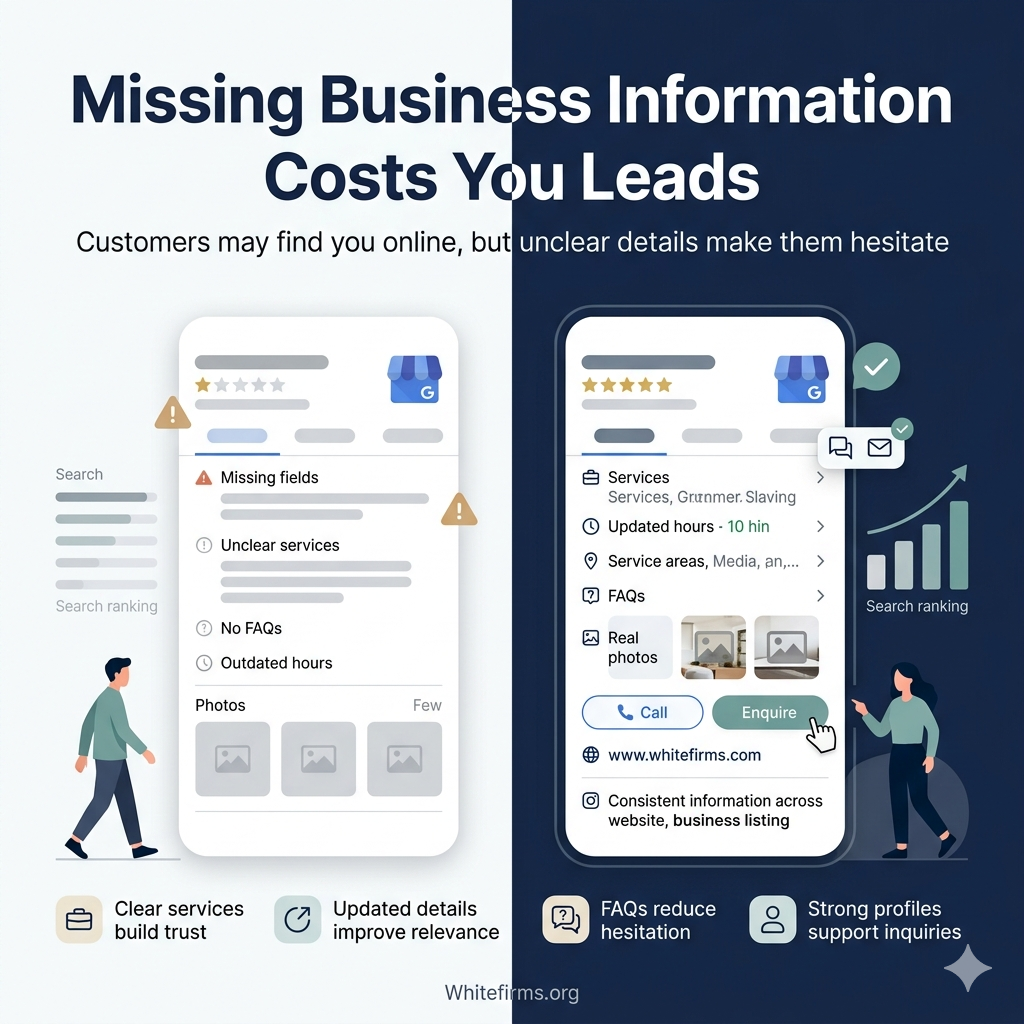
If your business is eligible, you should check the verification status, category, opening hours, contact details, and location or service area.
Google considers relevance, distance, and prominence for local rankings. Complete information helps Google better understand the business, and the searcher's location determines which nearby results are most suitable. Reviews and links from other websites also help establish prominence. Google Business Profile Help
This means the search results you see offer only one perspective; they don't show how each potential customer sees your business.
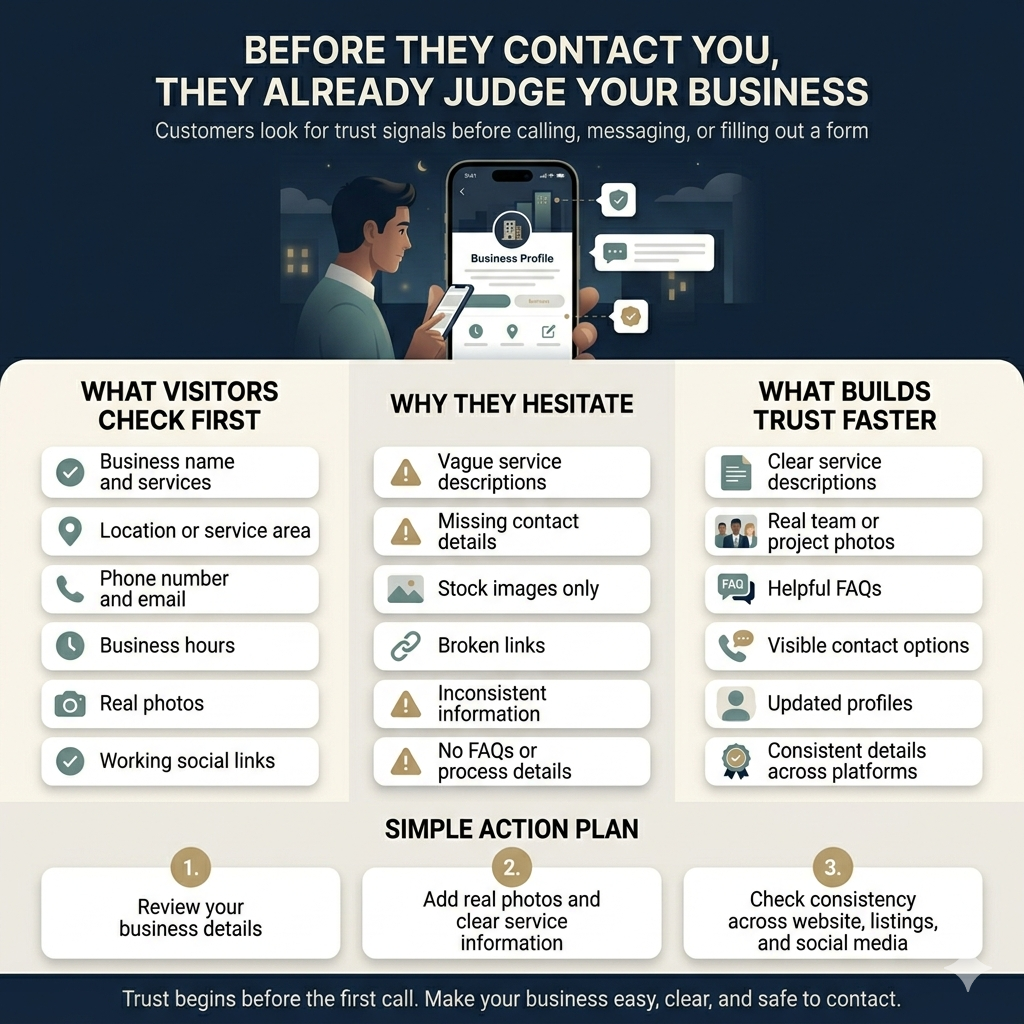
Also check the company's main directory listings and social media profiles; an outdated telephone number may waste an inquiry even if the customer can find you. Focus on errors that might direct someone to the wrong address, service, or booking link.
Provide buyers with the information they need in order to evaluate you.
Finding your business is only half the battle; once someone reaches your page, it must help them decide whether your business meets their needs.
Statements like "trusted professionals" or "unmatched quality" leave the judgment almost entirely to the visitor.
You should provide information that outlines the nature of your work; for a manufacturer, this would include details about materials, production capabilities, minimum order quantities, and available documentation, while for a photographer, it would include complete project galleries and package contents.
A consultant could tell the client what kinds of assignments they will take, who will carry out the work, and what the client will get.
When you have the permission to do so, use real project examples. You should explain the scope as well as any pertinent limitations and only include numerical results if you can back them up.
Price information also warrants attention; if a fixed price would be misleading, explain what factors determine the quotation—such as quantity, site conditions, customization, delivery, or other real variables.
These details allow buyers to judge whether a site is suitable for them. They should not be presented as a definitive list of Google ranking factors.
Select directories and related websites with a specific purpose in mind.
You may also gain access to your business through a business listing; the value of such a listing will vary depending on whether the platform reaches the right customers and lets you present your offer accurately.
Before you pay for a listing, check the right category and review some existing profiles. Make sure visitors can compare services, identify where businesses operate, and contact companies easily. Find out how they handle corrections and what is included in the fee.
Find out what any reported traffic figure measures, since total platform visitors don't match visits to your profile, and profile views don't match qualified inquiries.
Treat your blog in the same way.
A supplier of replacement parts could tell buyers which measurements and model specifications to prepare before asking for a quote, and a training provider could explain how to choose between one-to-one and group instruction.
These topics will help you make a real purchasing decision; when you do, provide a link to the appropriate service page so the reader can continue.
Track referred visits and the inquiries they generate. Renew listings or extend content when it has a proven purpose, not just because publishing more feels productive.
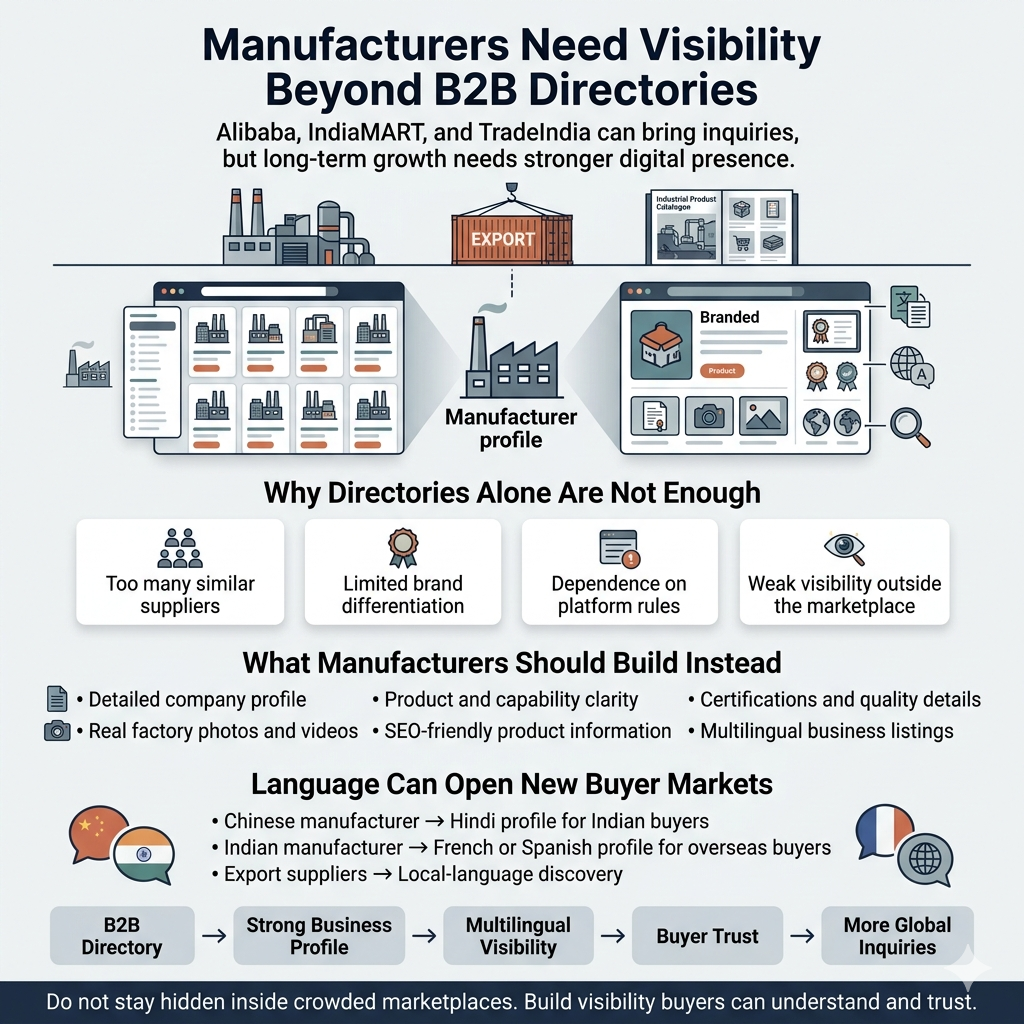
Translate the information customers actually need
When you want customers to search or make decisions in a language other than the one you're using, consider offering content in multiple languages.
Look for a specific reason to make the investment: for example, repeated requests from customers, established customers in a certain market, or serving a community your business already serves. Visits from another country alone do not prove there is demand.
Start by reviewing the service details, product specifications, delivery conditions, and inquiry instructions, since misunderstandings on these pages can stop a purchase.
Google suggests using separate URLs for each language version and including the appropriate hreflang annotations so it can identify the corresponding pages. A translation button alone does not mean all translated pages are discoverable. developers.google.com
Have someone knowledgeable about the subject and the language check the important translations. Also, explain what language support you offer after an inquiry. Customers should not be left with the impression that your team cannot provide a conversation.
Try the entire inquiry process by phone.
Before you conclude your website needs more visitors, make an inquiry yourself.
Use a phone and follow the same route a first-time customer would. Open the service page, find the contact option, and go through the process.
Check whether:
* The telephone and messaging links are directed to the right destination.
* Forms function without any unexplained errors.
* It is reasonable to require certain fields when making the first inquiry.
* After having submitted it, a confirmation is displayed.
* The message is passed on to the person who is supposed to respond.
A form may seem to function even if notifications go to an unattended inbox. The booking link might take you to an out-of-date calendar. You need to test the receipt, not just the submission.
Now consider the human side of the process and assign responsibility for new inquiries, setting a response time your team can meet. If you need drawings, photographs, or order quantities, make it clear to customers before they start.
Make sure you can measure your next improvement.
Select a single important commercial page and note its current indexing status, how often it appears in search results, how many clicks it has received, and how many inquiries it has received.
Deal with the biggest obstacle first. If a form is broken, address it right away. If a service page is inaccessible, then a technical fix is needed. If a page is attracting the wrong kind of visitors, examine its subject and target audience more closely.
Note the date of each change, your expectations for the improvements it will bring, and the corresponding periods, taking into account seasonality and small sample sizes.
Google explains that changes can take anywhere from hours to several months to affect search results, and some changes produce no noticeable improvement. A month is a reasonable working schedule for completing repairs; it is not a ranking guarantee. developers.google.com
Start with the page that should generate your next worthwhile inquiry. Check whether buyers can find it, understand the offer, and contact you successfully. Let that diagnosis determine where you spend next.